
| Configuring KAutodial |
| Prev | Next |
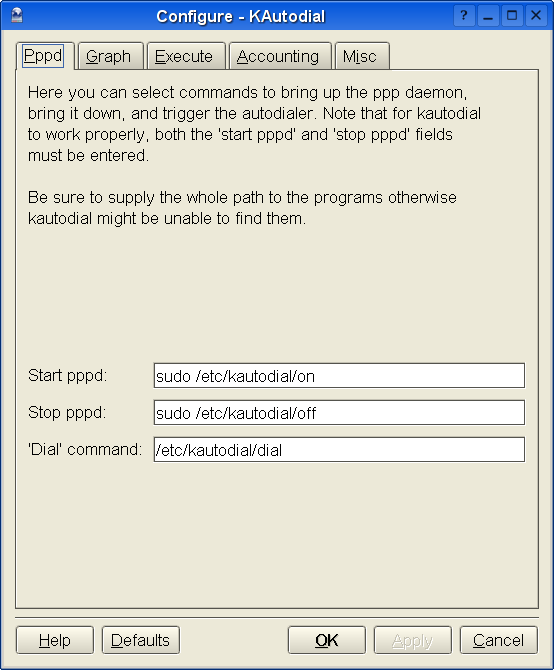
The pppd tab
Here you should set the commands to bring the ppp daemon up and down, and to trigger a dialout. KAutodial needs at least these commands to be fully functional, although it can still monitor without them. These commands are run with your real user id.
Make sure to supply the whole path to the program, otherwise KAutodial may not be able to find it.
You will need to enter three commands for KAutodial to be fully functional:
Run this command to restart the ppp daemon after a hangup. It defaults to "/etc/ppp/kautodial/on".
Run this command to kill the daemon and hangup the modem. We actually need to kill the daemon to reset byte volume information and have more control over just when the daemon can begin redialing. It defaults to "/etc/ppp/kautodial/off".
Run this command to trigger a redial if the user requests it. Use something small and unobtrusive. Chances are it will timeout before the connection comes up. It defaults to "/etc/ppp/kautodial/dial".
| Prev | Home | Next |
| Configuring kautodial-chat | Up | The Graph tab |